Payroll and finance often run as two separate systems, reconciled by hand every month. Connecting them properly removes the reconciliation, not just the re-typing.
Where double entry actually comes from
The pattern is familiar: payroll calculates a run, someone exports it to a spreadsheet, someone else re-enters it into the finance system against a chart of accounts, and a third person reconciles the two to make sure nothing was mistyped or missed. Each step is a place a number can quietly change.
The underlying cause is rarely bad intentions or careless staff. It is that the two systems were never designed to agree with each other automatically — they hold the same fact in two different shapes, and a human is the translation layer between them, every single month.
What connected looks like
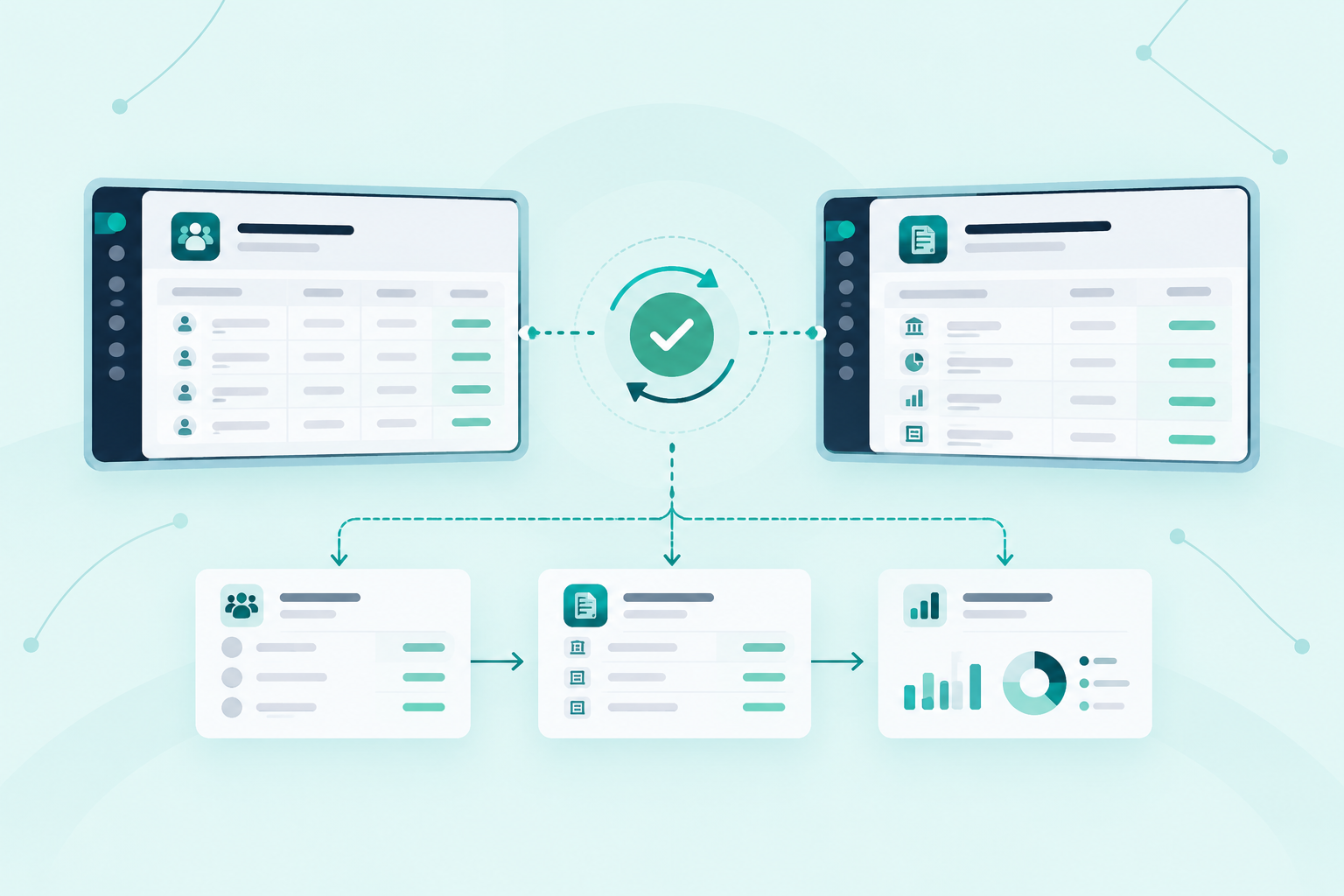
When payroll and finance are properly connected, a payroll run posts its own journal entries directly, already mapped to the right cost centres and accounts, because that mapping was agreed once rather than re-derived every month. Reconciliation becomes a report the system produces as a by-product, not a project someone starts on the first of the month.
The mapping itself is the real work: agreeing, entity by entity, which payroll cost centre lands on which account, and what happens for the exceptions — a new department, a one-off allowance, a currency conversion. Get that agreed once and the monthly process becomes something to check, not something to build from scratch.
“The goal isn’t a faster export. It’s a system where payroll and finance are already looking at the same number.”